Welcome to part 3! Today we’ll be talking about improvements to the game engine’s performance and new graphics features.
Shadows: Ray Tracing Without Hardware Support
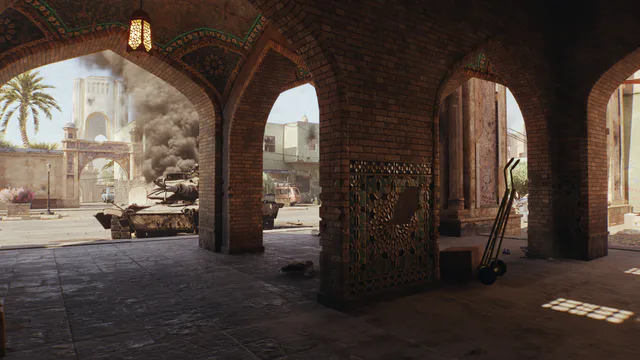
In Ground Battles, shadows from static objects, such as houses, walls and rocks, are now drawn using software ray tracing. You don’t even need a graphics card with hardware ray tracing support! Previously, the old shadow system would redraw entire areas when spawning in a tank or ship, when the position of the sun changed abruptly, or when replay playback speed changed, which increased CPU load and caused bright artifacts and shadow flicker near the camera. Now, shadows are stored as a set of pages across levels of detail. When the sun moves, only the pages that changed are updated, not the whole scene at once. A per-frame page budget is set so load doesn’t spike. As a result, peak CPU load is reduced several-fold, shadow flicker is gone, and the draw distance of static shadows has increased.
OLD | NEW
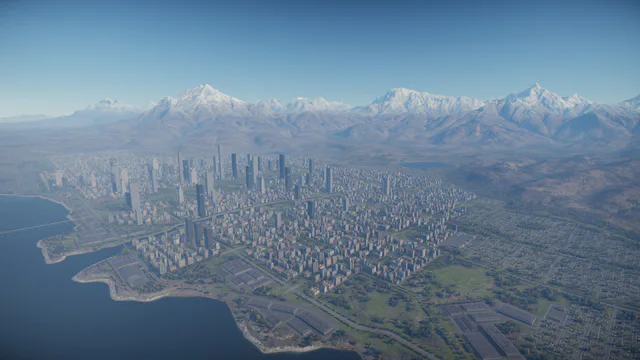
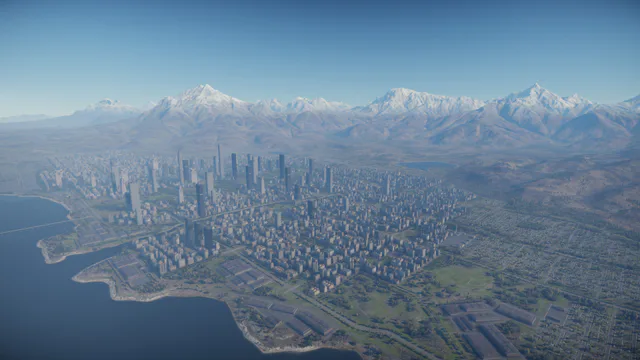
Software ray tracing has also improved shadows in Air Battles. Regular shadow maps covered only a few hundred meters around the aircraft. Everything further had no object shadows, meaning towns, airfields and other objects below looked flat. Software ray tracing fixes this issue by casting a ray toward the sun against a compact copy of large scene objects built on the CPU for each pixel. This gives towns and airfields their shadows at any distance. The blend zone between cascaded and ray traced shadows, previously noticeable at about 300 meters from the camera, is gone. This was previously only available on the “Movie” graphics preset, and now works from “High” settings and above, as well as on PlayStation 5 and Xbox Series X.
Draw Distance: New Range Settings and Tree Culling
OLD | NEW
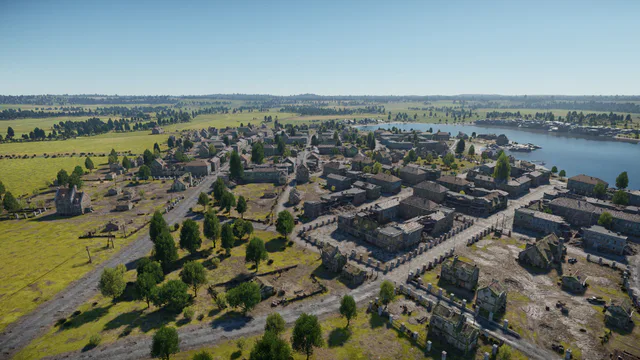
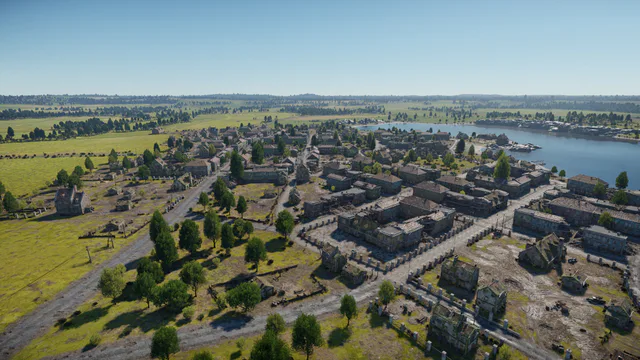
Previously, adjusting the game world’s draw distance was only possible with a single slider that controlled both buildings and vegetation. The maximum draw distance could be set to 350%, but in practice the engine only allowed up to 300%. In the Eagle’s Shadow update, a new slider has been added for adjusting the draw distance of buildings and objects. Both sliders for objects and trees can now reach an honest 500%. “Tree range” controls trees, bushes and other vegetation, including the distance at which their detailed models switch to more efficient low-detail versions. The new “Object range” controls placed objects, such as buildings, houses, fences, walls and rocks. That means when playing in a ground vehicle, you can set the maximum object range your system can handle without spending resources on bushes and trees.
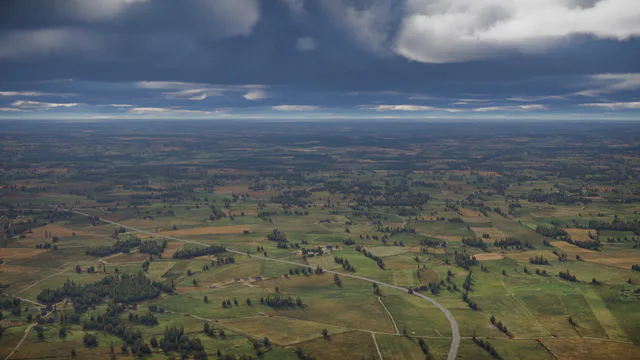
OLD | NEW
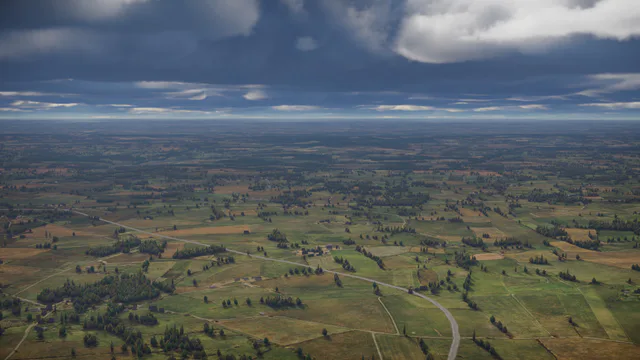
For aircraft, we’ve taught the renderer to cull forests by horizontal distance, solving the problem of trees disappearing beneath aircraft at high altitudes. Previously, vegetation draw distance was measured in three dimensions. From an altitude of several kilometers, the sphere of visible trees around the camera appeared like a shrinking disc, and directly below the aircraft the forest could disappear entirely. When flying aircraft and in cockpit view and free camera, culling now uses horizontal distance, so the visible forest keeps the same radius regardless of altitude.
In terms of performance, nothing changes on any graphics quality setting. Both sliders inherit the exact values of the former single range slider. The new upper range limit is suited for the most powerful systems and creating epic screenshots. Horizontal tree culling has virtually no impact on performance and is enabled for aircraft camera modes.
Additional Reflection Quality Levels
OLD | NEW
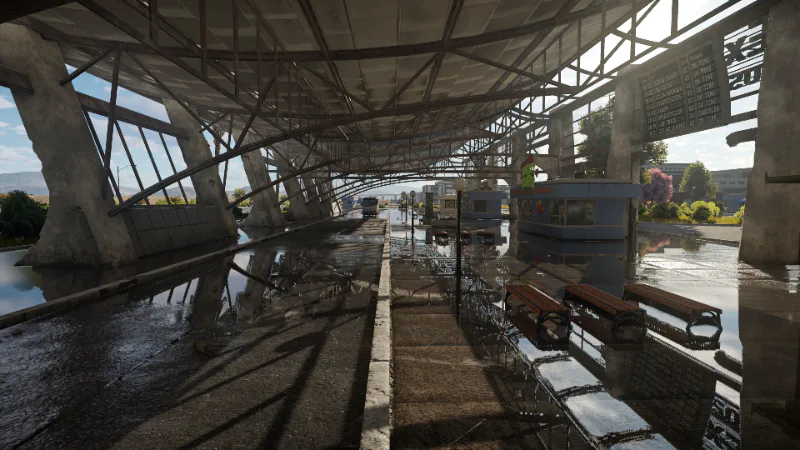
Here’s another improvement for those who have high-performance systems. The “Reflection quality” slider in the graphics settings has expanded from three positions to five. Two new levels, “High” and “Very High”, give the screen space reflection tracer two and four times as many steps. Reflections in complex scenes, such as scaffolding, railings, a crane over a wet quay, are traced to the end instead of giving up halfway and being replaced by a blurry stand-in. The higher the level, the more rays manage to find intersections with objects, so reflections of grilles, bars, fences and other thin objects look solid rather than fragmented.
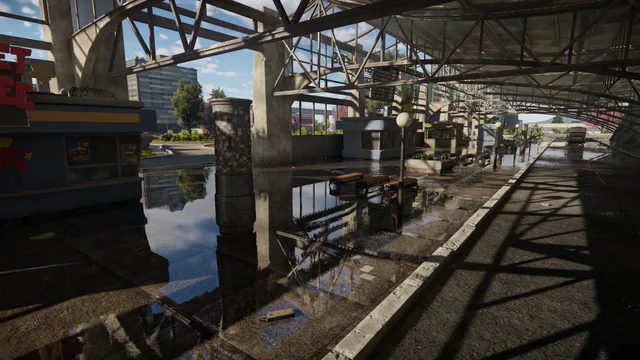
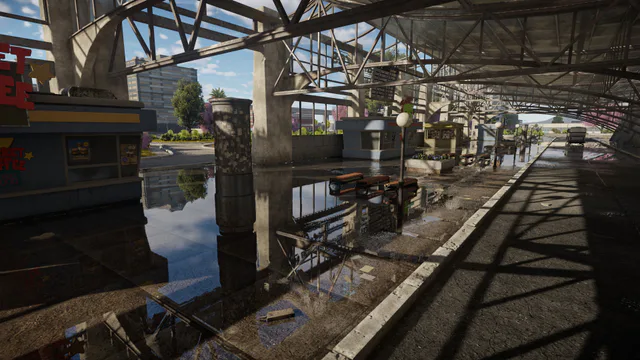
OLD | NEW
None of the graphics quality modes use reflection quality levels by default, so you must enable them manually in the settings. These new settings will only affect performance once they’re enabled, with a performance cost for the additional ray-tracing passes. Previously, there were 32 on the “Medium” setting, but now 64 and 128 are available. Nothing will change on systems using hardware ray tracing, but with hardware ray tracing disabled, you can now achieve better reflection quality!
Ray Tracing for Light Sources
The following improvement is only for those who have ray tracing enabled in the settings. You’ll need a graphics card with hardware support (GeForce RTX or equivalent) on DirectX 12, or a PlayStation 5 Pro in one of its ray traced modes is required.
OLD | NEW
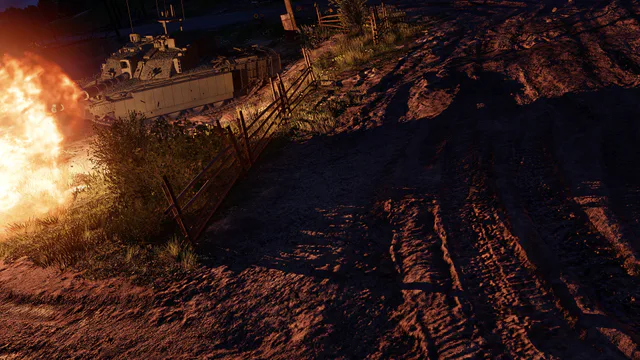
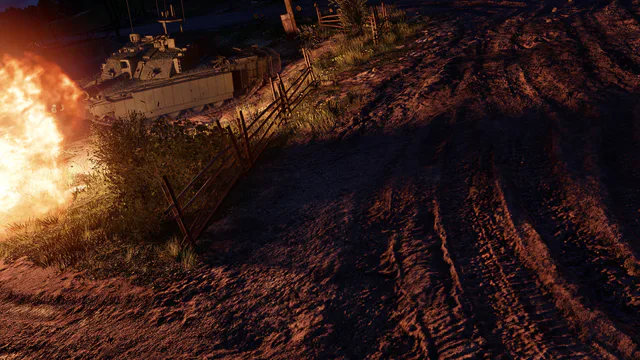
Previously, shadows from the sun and from dynamic sources such as muzzle flashes, fires, lamp posts, were calculated in two different ways. The sun gave soft, stable shadows, while each dynamic source “fired” a single hard ray. As a result, next to a soft sun shadow there could be a razor-sharp shadow from a muzzle flash, and the computational cost grew with each light source in the frame: the more flashes and fires, the heavier it got.
Now all this is replaced by a single pass called RTDL (Ray Traced Direct Lighting). The sun and local sources share a common soft and stable shadow filter. Each light source has a real size: a cannon flash is half a meter, a machine gun flash is five centimeters. The shadow from a cannon shot no longer covers the entire barrel with a single black spot, and the machine gun shadow remains small and sharp. Performance no longer depends on the number of light sources in the frame. Sun shadows have also become more accurate. They now account for how close the occluding object is. A close object gives a sharp contact shadow, a distant one gives a soft shadow. The shadow of your own vehicle while moving has become predictable and no longer jitters.
Soft Shadows From Lamps Without Hardware Ray Tracing
OLD | NEW
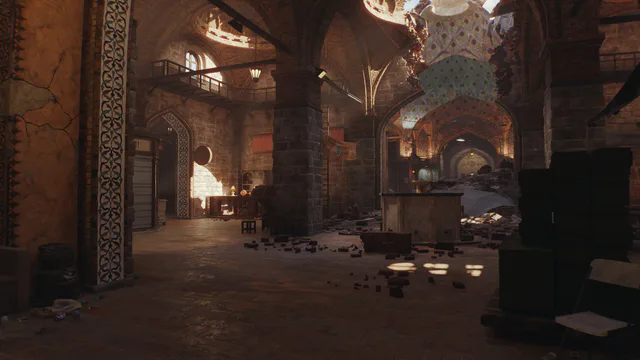
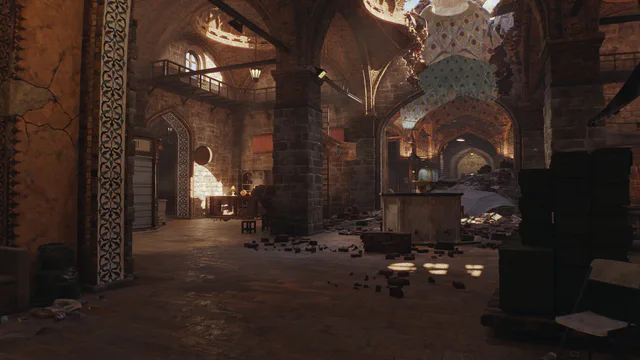
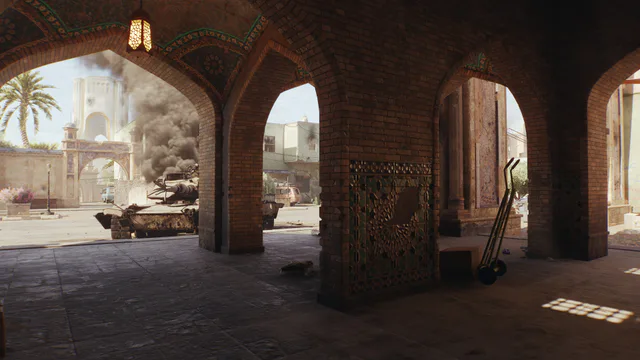
We’ve addressed the shortcomings of the previous system for shadows cast by local light sources, such as lamps in the hangar or fires during a night battle. Previously, these shadows were harsh, dependent on screen resolution, and prone to flickering whenever the lighting order changed. Now, shadows from local light sources are soft and stable. The size of the gloom depends on the physical dimensions of the light source. The larger the flame, the wider and softer its shadow. Shadows are no longer tied to screen resolution and maintain a consistent, soft appearance regardless of the display settings. We’ve also resolved flickering issues in the premium hangar, along with other minor visual artifacts. Shadows are now smooth and no longer jitter.
OLD | NEW
That’s everything regarding the main render changes implemented in the Eagle’s Shadow update. The work goes on!